Brother PR1060W 10 Needle Embroidery Machine
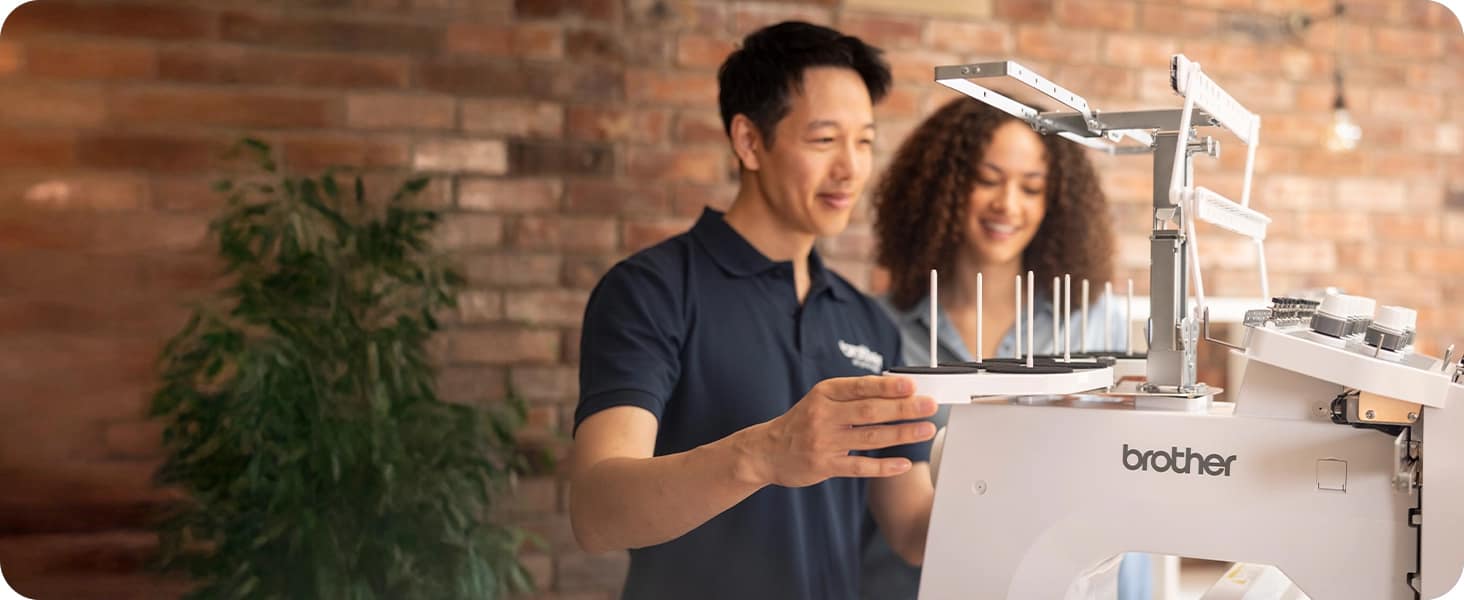
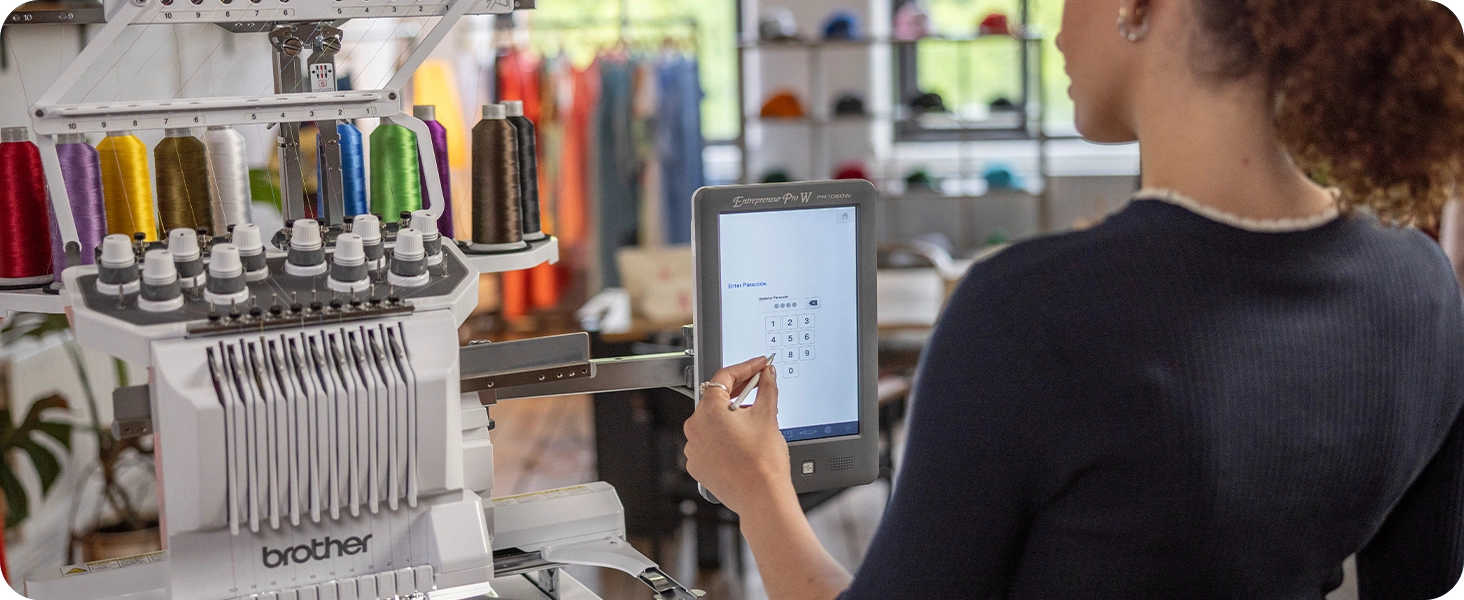
Welcome to your Boss Era with the Entrepreneur Pro W PR1060W Embroidery Machine. Whether you’re a newcomer diving into multi-needle embroidery, an experienced hobbyist ready to launch your own business, or a well-established company aiming to enhance your services with custom embroidery, the Entrepreneur Pro W PR1060W is the ultimate machine that delivers exceptional results and is packed with built-in industry leading features.
 |
Main Features
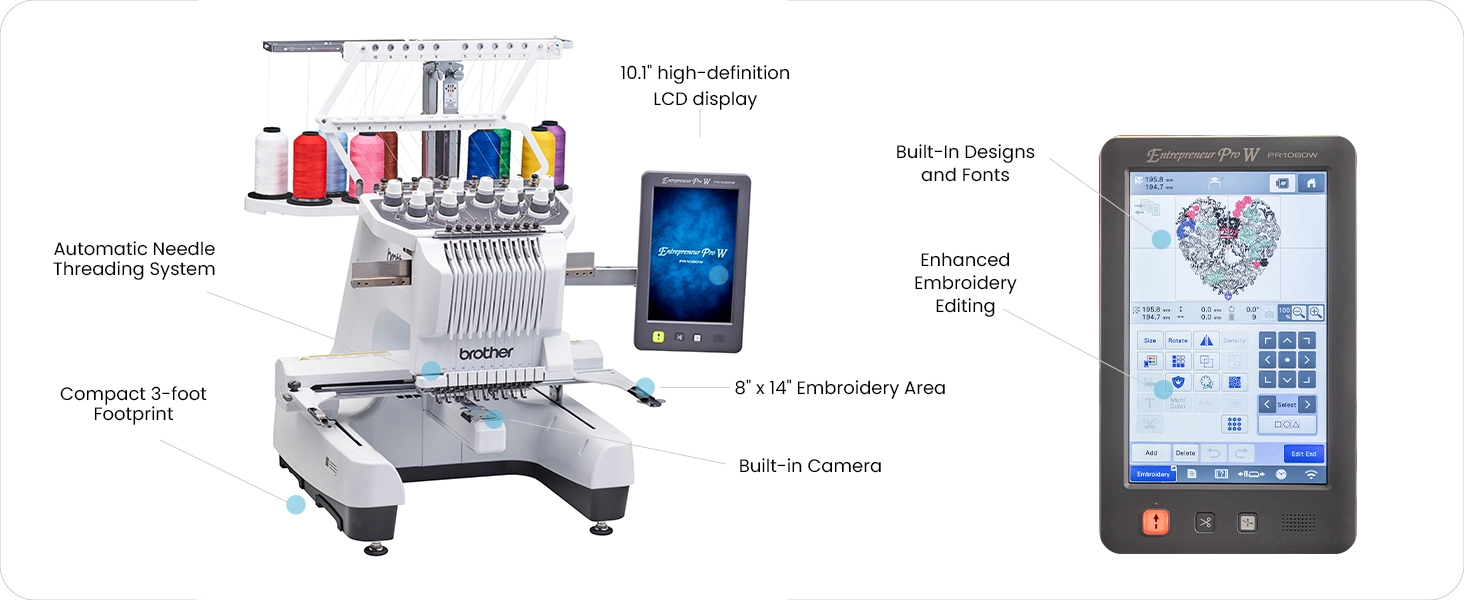
Generous WorkspaceThe spacious embroidery area, measuring 8″ x 14″, is ideal for sizable projects, including large home décor and jacket backs. |
Embroidery DesignsExplore the embroidery design library, featuring over 1,200 designs, 50 fonts, and one 3D puff embroidery font. Access additional designs via the Artspira Mobile App² or create your own. |
Built-in Camera FeatureAllows you to get a real time camera view of the needle. Virtually preview your design on fabric. |
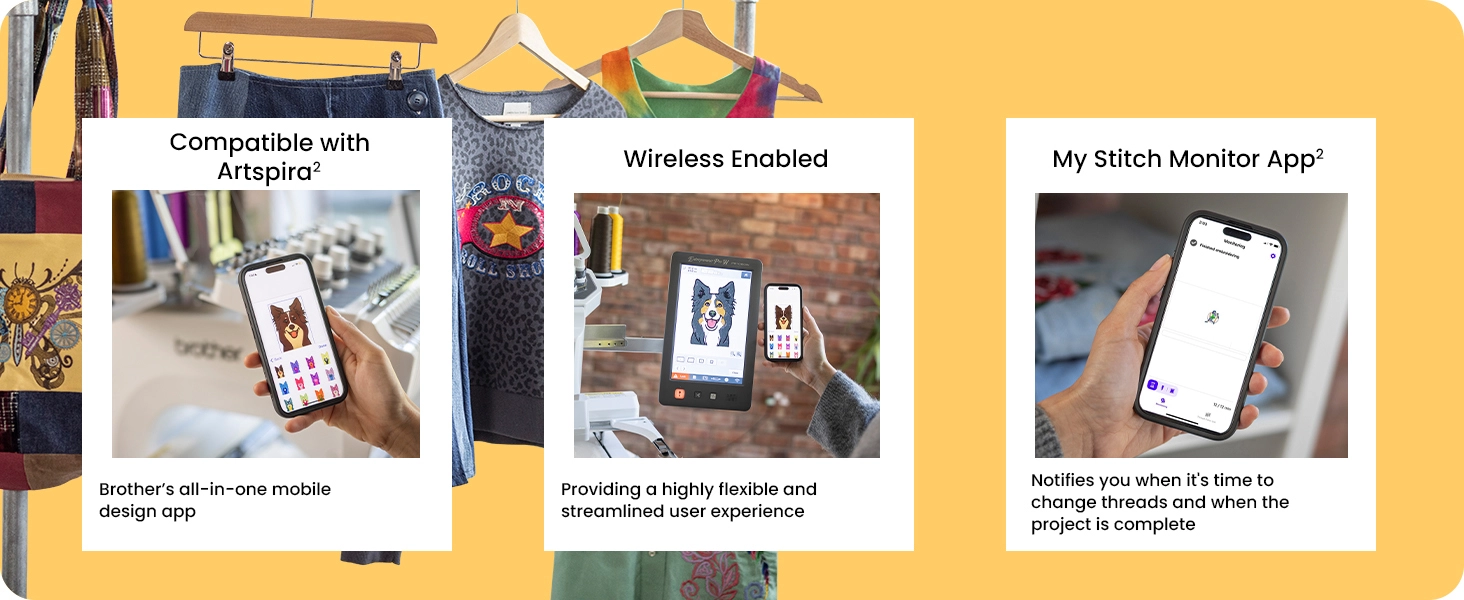
Wireless EnabledThe Entrepreneur Pro W PR1060W Embroidery Machine is designed with wireless capabilities¹, offering a highly flexible, connected, and streamlined user experience. |
Mobile AppsThe My Stitch Monitor App² alerts you when it’s time to change threads or when your project is complete. The creative Artspira Mobile App² allows access to embroidery, printing, and cutting designs, and you can customize your own embroidery patterns by drawing on your mobile device. |
Matrix Copy FeatureThe Matrix Copy feature allows you to add multiple copies of the same design to your project. It automatically places repeat designs for maximum efficiency, meaning you waste less fabric and time, and can create multiple patches in one hooping. |
Operational FeaturesThe Security Lock Modes can manage multiple users for businesses without multiple passwords and logins. The Shortcut Key allows the user to jump directly to the embroidery screen from multiple screens to save time. The Key Optimization System allows a business owner to customize access to machine functions to different roles. |
My Design CenterThe Brother exclusive My Design Center offers built-in design capabilities, all without a PC. Enjoy features like custom draw, inside and outside auto stippling, and fill patterns. |
Ten-Needle SpeedGet productive with fast embroidery speeds up to 1,000 stitches per minute in just seven seconds flat with industry-leading high-speed acceleration. |
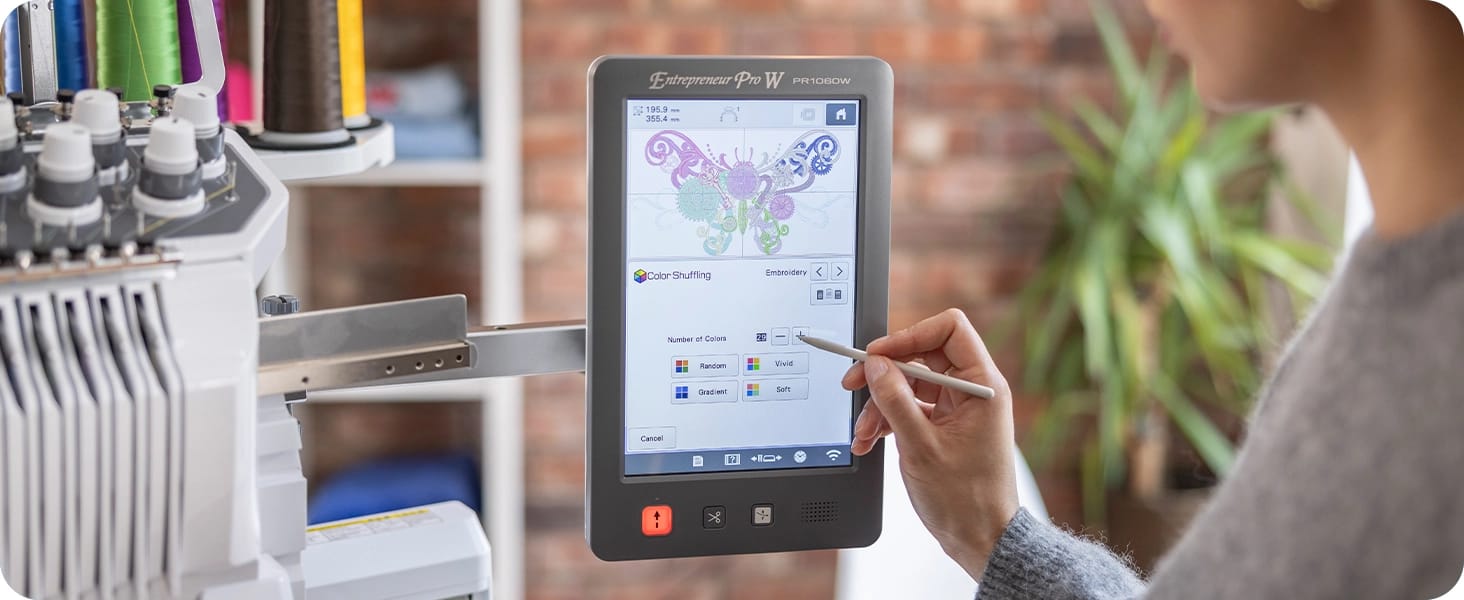
LCD DisplaySee designs on the large 10.1″ built-in high-definition LCD display. Scroll through the menus, navigate the crystal-clear icons, and see your design properties in preview mode. |
Embroidery SoftwareThe optional BE Embroidery Studio Software³ includes a CorelDRAW® plugin and a comprehensive set of embroidery digitizing tools, so you can design and digitize your logos and customize monogrammed designs. Using the optional PE-DESIGN 11 software³ lets you link as many as 10 machines without a cable, making any business more productive. |
Expandable Library of Tutorial VideosView 33 high-definition tutorial videos covering everything from basic operations to embroidery functions via a QR code on a mobile device. A QR code appears on the LCD screen when the video icon is selected. These videos will help users learn basic usage in as little as 90 minutes. |
 |
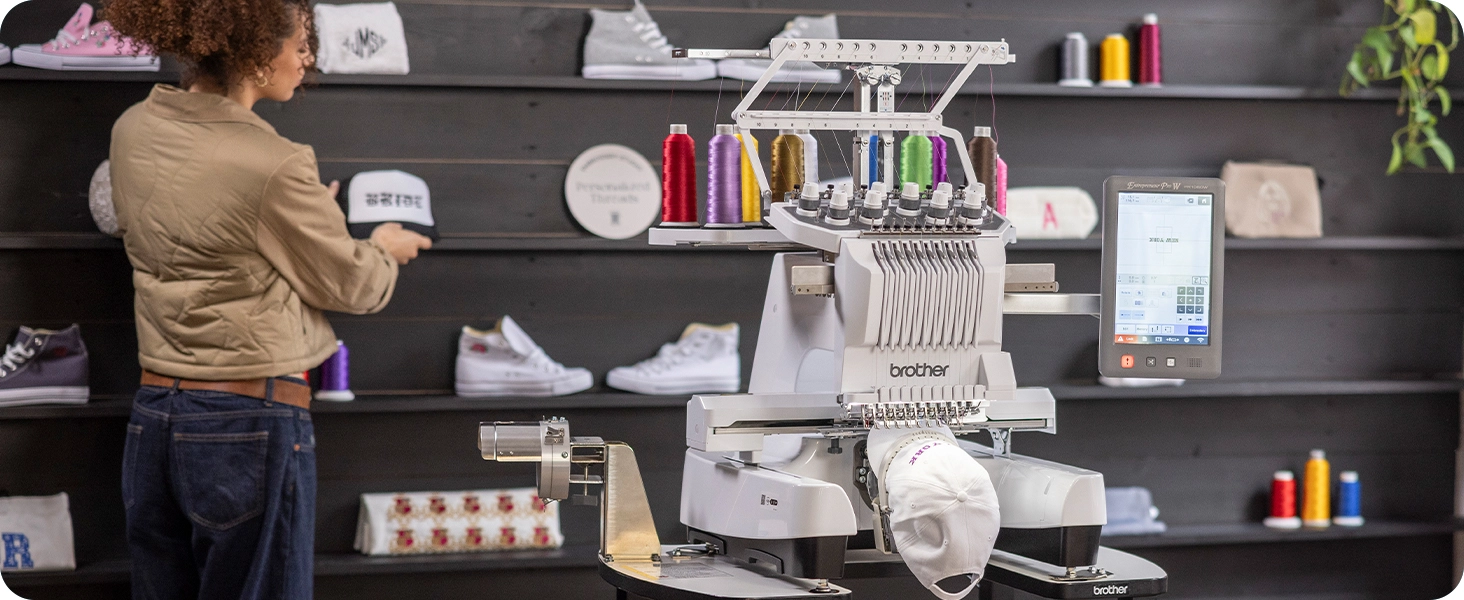
Launch Your BusinessThe Entrepreneur Pro W PR1060W is the ultimate feature-packed machine that can deliver exceptional results whether you’re a newcomer to multi-needle embroidery, an experienced hobbyists, or a well-established company, enhance or start your services with custom embroidery. |
 |
Cutting-Edge AppsKeep track of your embroidery project with real-time status updates, reminders for when threads need changed, and alerts when your project is finished with the My Stitch Monitor App. The Arspira App allows access to embroidery, printing, and cutting designs. You can customize your embroidery patterns by drawing on your mobile device. |
 |
Operational FeaturesThe Key Optimization System allow a business owner to customize access to machine functions to different roles, helping to secure important business designs and keep the machine operator focused on critical tasks. The Security Lock Modes can manage multiple users for businesses, adding to production and efficiency, while the Shortcut Key Feature allows the user to jump directly to the embroidery screen from multiple screens to save time. |
 |
 |
 |
Basic Features
| USB | Yes |
| Wireless Enabled | Yes |
| Display Type | LCD |
| Realistic Preview | Yes |
| Screensaver | Yes |
| Stitch Selector Type | Touch Screen |
| Thread Sensor | Bobbin Sensor, Upper Thread Sensor |
| Built-in Languages | Yes |
Embroidering
| Frame Designs Shapes | 10 | Space Reduction among Embroidery Alphabets | Yes |
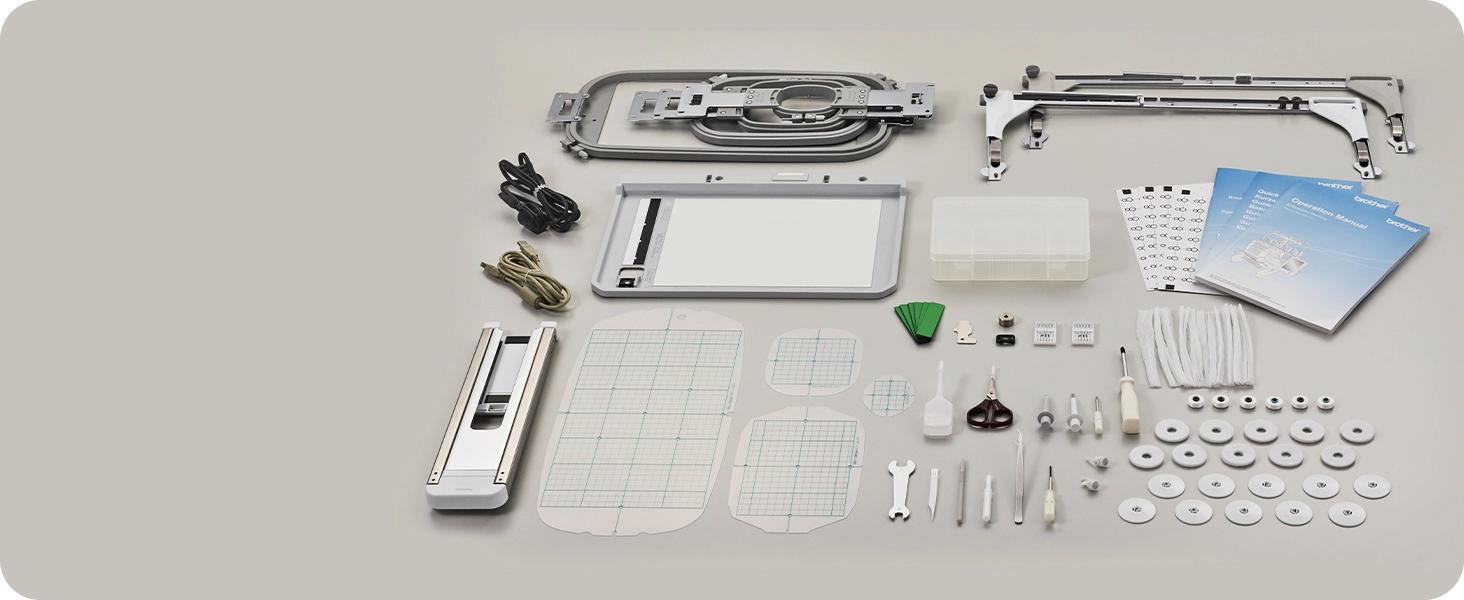
| Included Embroidery Hoops | 8″ x 14″, 1.5″ x 2″, 5″ x 7″, 4″ x 4″ | Computer Connectivity | Yes |
| Standard Included Frames | 8″ x 14″, 5″ x 7″, 4″ x 4″, 1.5″ x 2″ | On-Screen Automatic Density Adjustment | Yes |
| Pattern Rotating Increments | 0.1 Degree, 1 Degree, 10 Degrees, 90 Degrees | Automatic Feed Thread Cutting | Yes |
| On-Screen Help | Yes | Drag and Drop Editing | Yes |
| Built-in Alphabet Fonts | 50 | Built-in Embroidery Lettering Alphabet Fonts | 50 |
| InnovEye Technology | Yes | Cap Frame Capability | Yes |
| Curved Text on Screen Editing | Yes | Built-in Alphabet Designs | Yes |
| Built-in Designs | 1280 | Built-in Border Function | Yes |
| My Custom Design Feature | Yes | Resume Function | Yes |
| Embroidery Position Marker | Yes | Monogramming Font Styles | Yes |
| Maximum Zoom | 1600 | Speed Adjustment | Yes |
| Adjustable Design Icon Size Setting | Yes | Thread Wiper | Yes |
| Maximum Embroidery Area | 14″ x 8″ | Adjustable Embroidery Speed Settings | Yes |
| Eyelet Threading System | Yes | On-Screen Editing | Yes |
| Trial Position Layout Function | Yes | Color Shuffling Function | Yes |

Discover more from Millard Sewing Center
Subscribe to get the latest posts sent to your email.