
You may have noticed recently that when you search for products on our website, it looks a little different. We’ve upgraded our search options to make it easier for you to find what you’re looking for. When you type in what you’re looking for, you will see the products populate as soon as you begin typing. You can then expand your search by clicking on popular tags or categories. You can also sort your results by price and relevance to narrow down your results.
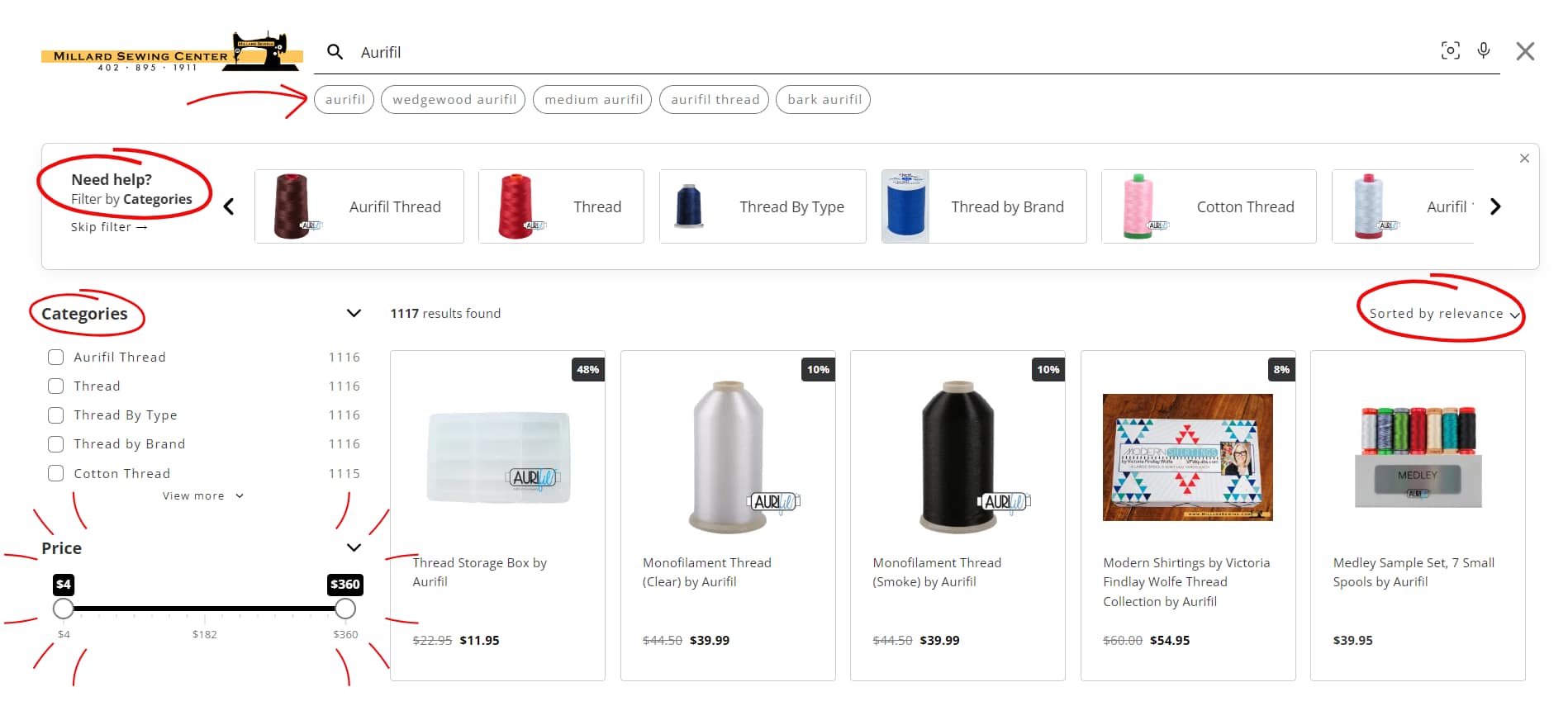
Not sure what your replacement part is called? You can search using a photo. Just snap a picture of the part you’re trying to replace, and click the camera lens icon to the right of the search bar. You can also click the microphone icon to do a voice search.

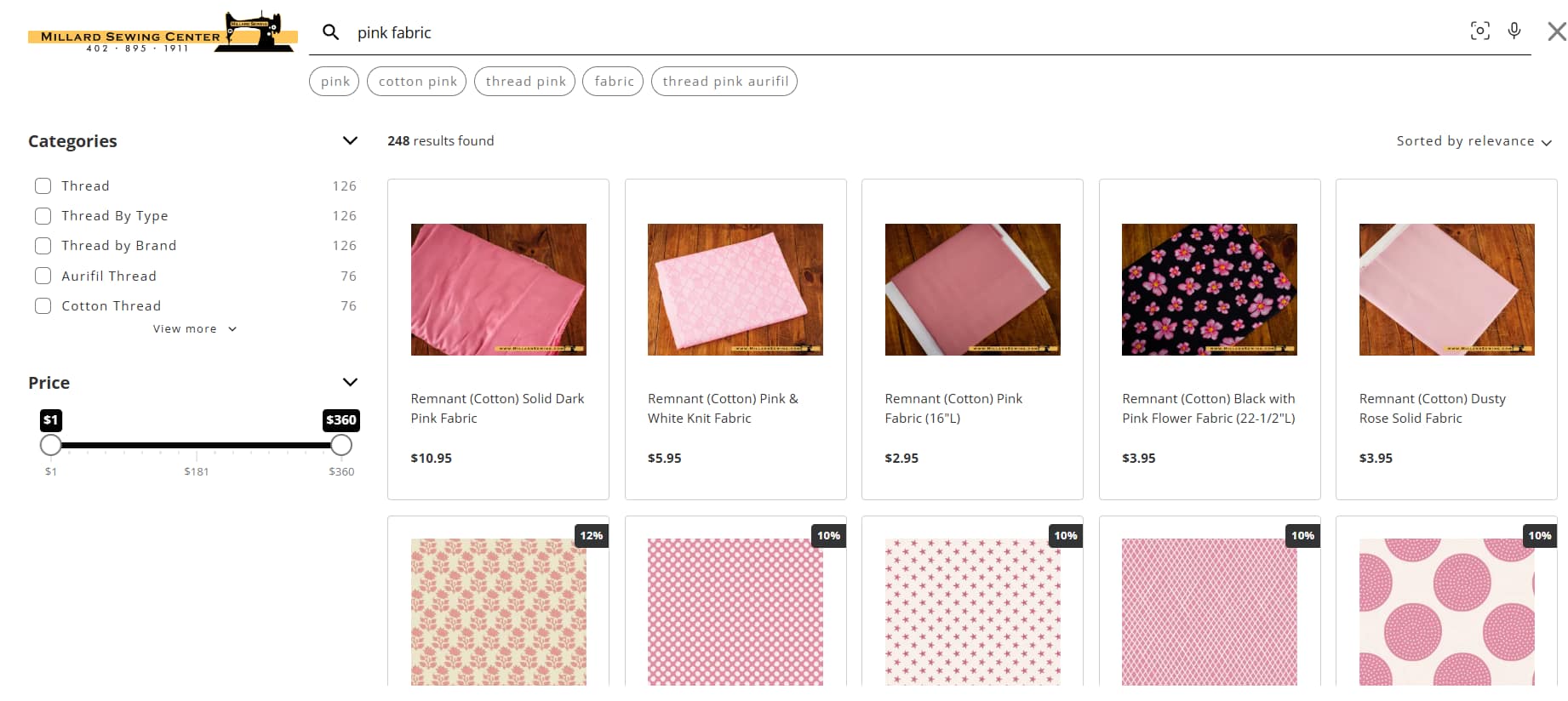
When it comes to searching for things like fabric, you can now add a color to your search to narrow down your results. Just type a color + fabric to see the results instantly:
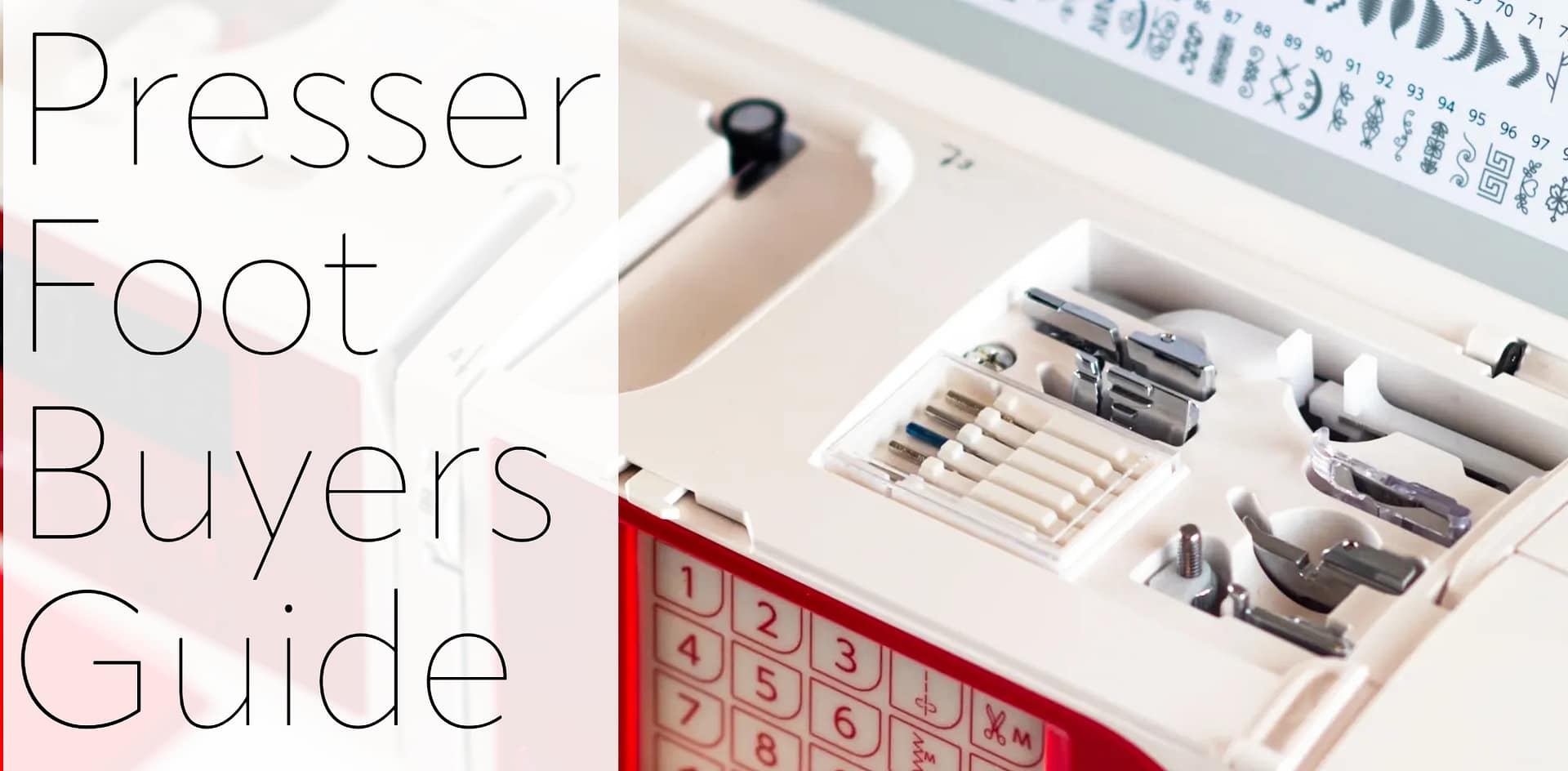
We’ve also made it easier to find our guides, like the needle buyer’s guide, the presser foot buyer’s guide, and Sewing Machine Buyer’s Guide. Just search for a needle type or size, a type of presser foot, or sewing machine, and our guide will be at the top of the search.


Click here to try out the new search options now!
Discover more from Millard Sewing Center
Subscribe to get the latest posts sent to your email.
Do you or do you not carry parts for sewing machines repair?
Of course we do. They are located under Shopping, Parts: https://millardsewing.com/product-category/parts/