
Make it easy on your genie by organizing your wishes with the Millard Sewing Wish List!

How to add an item:
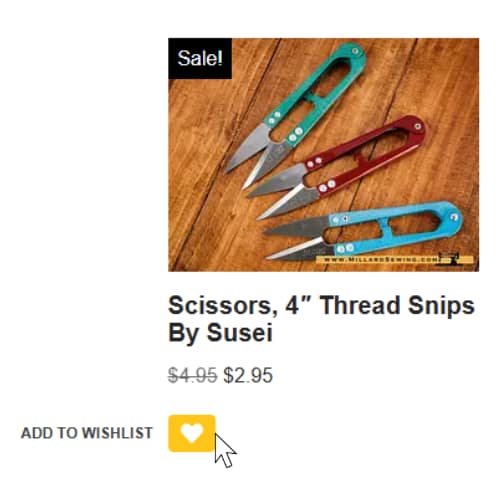
- On the shop page, the heart icon below the product will allow you to send your item to your wish list.
- Click the heart, and the item will be added.
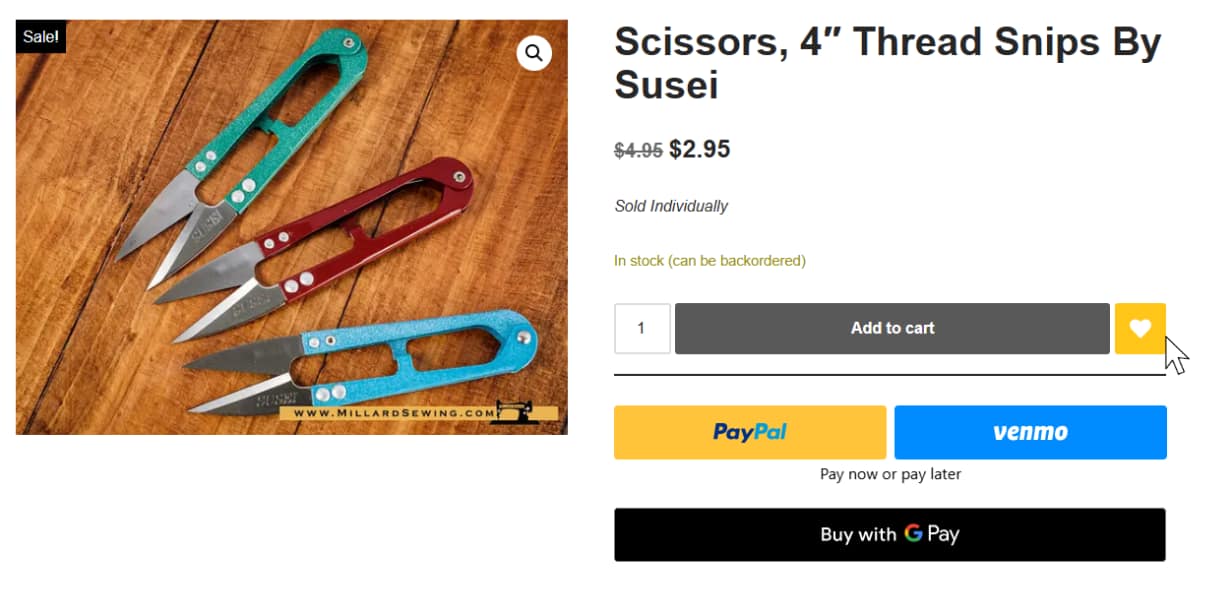
- On the listing for the item you want, beside add to cart, there is a heart icon.
- This is the wish list button.
- Click the heart, and the item will be added.
Has the item been added?

- Directly after adding an item to your wish list, a notification will appear on the top of your screen.
- In addition, after you’ve clicked the wish list button, the heart button will change color, signifying that it has been added to your wish list.
Where to Find My Wish List

- To find the items in your wish list, open the menu on the side of the website.
- The wish list button will take you to your wish list.
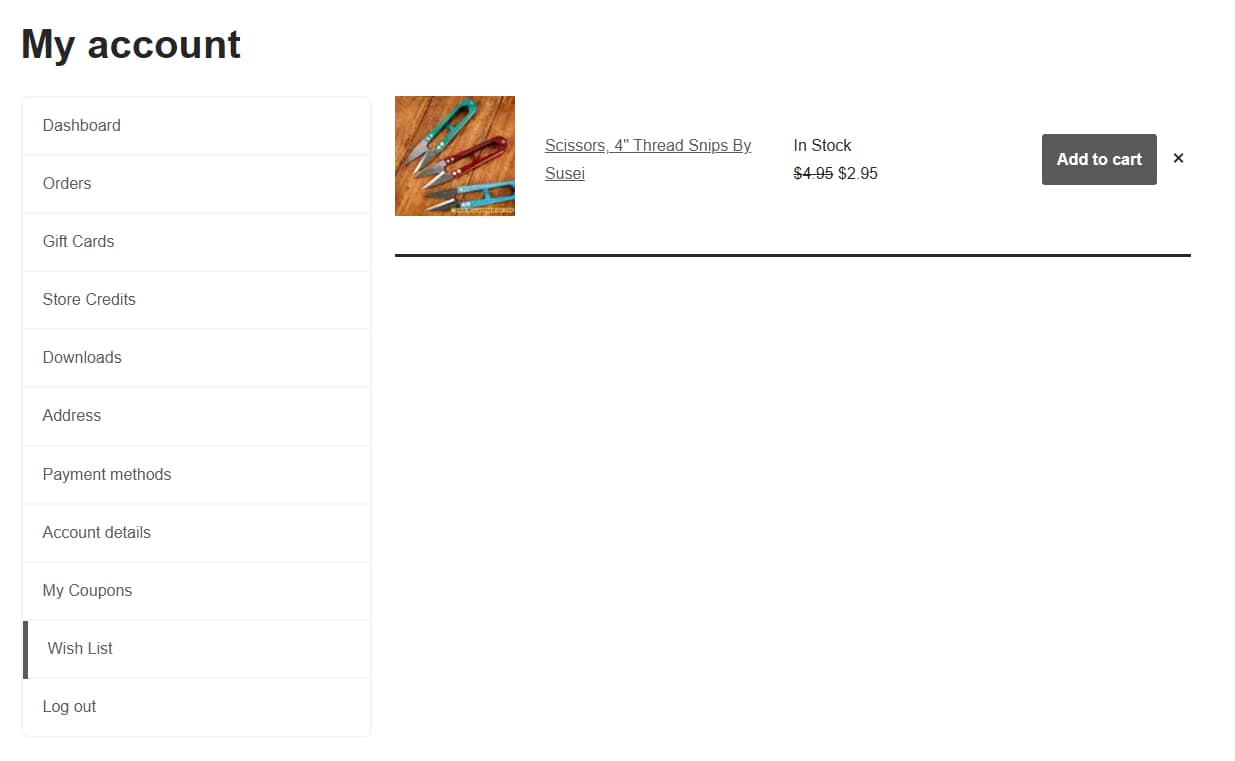
- This is what your wish list looks like.
- It will include the items you have added to your wish list, and each item will navigate to the listing or the cart when clicked.
Discover more from Millard Sewing Center
Subscribe to get the latest posts sent to your email.